Wedding videography & photosTutorial
QR code for wedding photos: set up in 10 minutes
Reviewed by our guides editorFacts checked
Every guest a camera.Maid of honour filmed the vows
On this page7 of 7
0 ticked so far
To set up a QR code for wedding photos, pick where photos should go (a shared album or a guest camera page), generate a code for that link, test it on an iPhone and an Android phone, print it on a clear sign and place it where guests gather. Most phones scan it with the built-in camera, so no app is needed.
How a wedding QR code works
A QR code is just a picture of a web address. When a guest points their phone camera at it, the phone reads the address and offers to open it. That is all. The code itself does not store photos; it sends guests to a place that does.
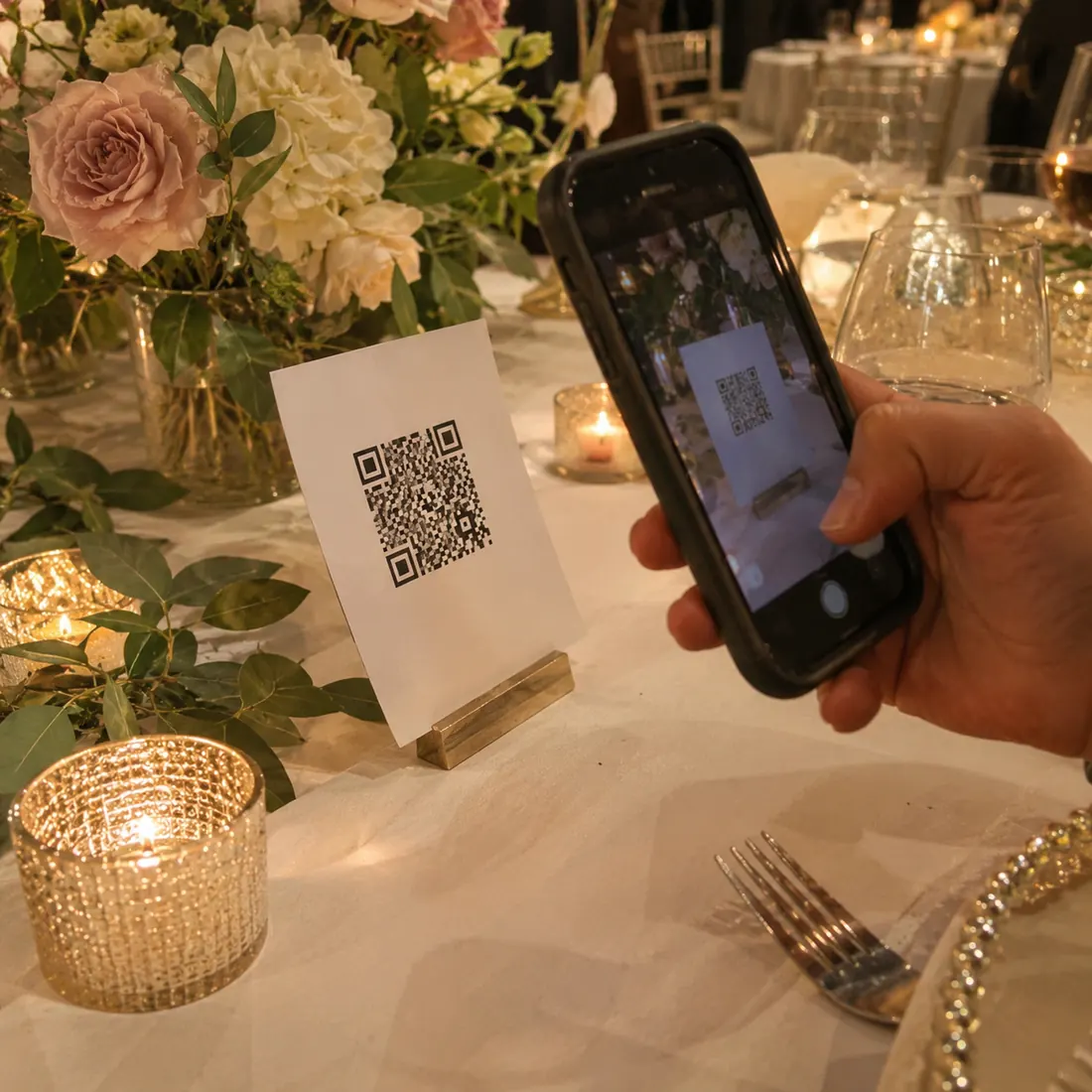
Apple's support guide confirms the guest side is simple: open the Camera app, hold the phone so the code appears on screen, and tap the link that pops up. The same Camera app does the job on iPhone with no extra download. That matters at a wedding, where you will have guests of every age and comfort level with technology.
So the real decision is not the code. It is where the code sends people.
Step 1: choose where the code sends guests
You have three realistic options. Each has a trade-off.
A shared album
You create an album in a photo app and share the link. Google Photos says that when you share a link to an album, anyone with the link can view the photos and add to the album. Apple's Shared Albums let the owner choose whether to invite and approve people or share with a link, and the owner can approve or decline each request. This is free and familiar, but guests upload photos from their own camera roll, so you get whatever they chose to send, usually after the party.
A cloud folder
A folder in a file-storage service works the same way. It handles videos well, but the upload steps can feel clunky on a phone.
A guest camera page
The code opens a camera right in the phone's browser, and everything guests shoot goes straight to one private place. Wedding Tapes works this way. There is no app and no account, and the clips are edited into films for you. It is the least effort for guests, but it is a paid service rather than a free album. For a wider comparison of ways to gather photos, see how to collect every guest's photos and videos.
Step 2: the 10-minute setup
Work through this in order. It takes about ten minutes once you have chosen your destination.
If you use our QR sign builder, you can skip the design work and download table cards in your wedding colors.
Step 3: sign wording and print size
Guests will glance at a sign for two seconds. Tell them what to do, why, and how, in that order.
- Short and friendly: 'Scan to share your photos and videos with us.'
- With a nudge: 'Scan, then film the dance floor. We want your view.'
- With reassurance: 'No app needed. Just point your camera.'
Keep the code large and the contrast high. Dark code on a light background scans most reliably. Avoid putting the code on glossy paper under a spotlight, where glare can stop it scanning, and leave a clear margin around the edges. Print one test sign and try it from a normal standing distance before you order the rest.
Step 4: where to put the signs
The best sign in the wrong place gets zero scans. Think about where guests stand still for a moment.
Ask your MC to mention the code once, early in the reception, and choose a friend to remind people at the start of the evening. A single spoken reminder does more than another ten signs. Add the code to your wedding website too, so out-of-town guests can see it before the day.
Mistakes to avoid
- Linking to an album that is private, so guests cannot add anything
- Not testing on Android and iPhone
- Printing the code too small
- Using a code that points to a short-lived link
- Forgetting to say what the code is for
Do a final check the morning of the wedding, and again the next day. If you are still planning the rest of the day, our planning checklist lists when to print and place your signs.
Questions people ask
Do guests need an app to scan a wedding QR code?
No. Most current phones can scan a QR code with the built-in camera, as Apple's support guide describes for iPhone. Guests point the camera at the code and tap the link that appears.
Where should I put the QR code at my wedding?
Put it where guests pause: the entrance, each table, the bar and the dessert area. Ask your MC to mention it once during the reception.
Can guests upload videos as well as photos?
Usually yes, though it depends on where the code sends them. Shared albums generally accept both, but large video files can upload slowly on weak venue Wi-Fi.
Is it safe to share a QR code for wedding photos?
Anyone with the code can reach the link, so treat it like a shared album link. Choose a destination where you can approve or remove content, and avoid posting the code publicly if you want to keep the album to guests.
How big should a wedding QR code be?
Large enough to scan comfortably from a normal standing distance. Print one test sign and try it on a few phones before ordering the full set.
Sources
Related guides