Wedding videography & photosHow-to
How to collect every guest's photos and videos at your wedding
Reviewed by our guides editorFacts checked
Every guest a camera.Maid of honour filmed the vows
On this page7 of 7
0 ticked so far
The most reliable way to collect wedding guest photos is to give guests one simple place to send them and tell them about it twice: on the invitation or website, and in person on the day. Shared albums, hashtags, disposable cameras and QR code cameras all work. Choose based on how much effort you will ask of guests.
Why guest photos usually get lost
Guests take a lot of photos and videos at a wedding. Then those clips sit on dozens of different phones, and many never reach you. The reason is rarely that people do not want to share. It is that sharing takes a decision, a link and a reminder, and nobody has those at 11 p.m. at your reception.
A good system removes steps. Whichever method you choose, ask yourself three questions: Can a guest do it in under 30 seconds? Does it work without installing anything? Will I get the clips, not only the photos?
Six ways to collect guest photos, compared
1. A wedding hashtag
Guests post to social media with your tag and you search it later. It is free and easy to explain. The downsides: private accounts and stories do not show up, people forget the tag, and the quality of photos you collect depends on who posts. It works as a bonus, not a main plan.
2. A shared photo album
You create an album and share the link. Google Photos notes that anyone with the link can view and add to a shared album, and Apple's Shared Albums let the owner invite people or approve link requests. It is free and keeps files together. The catch is that guests upload after the party, if at all, and they only send the shots they think are good.
3. Disposable cameras
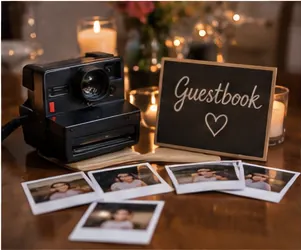
They are charming, and guests love the film look. But someone must develop the film, you will not see results for weeks, and the pictures can be hit and miss. They also record only stills, so you will miss the dancing and the toasts.
4. A photo booth
A booth gives you fun, posed images with a guaranteed result. It is a paid extra, and guests only use it for a short time. It captures faces, not the day.
5. A QR code that opens a camera
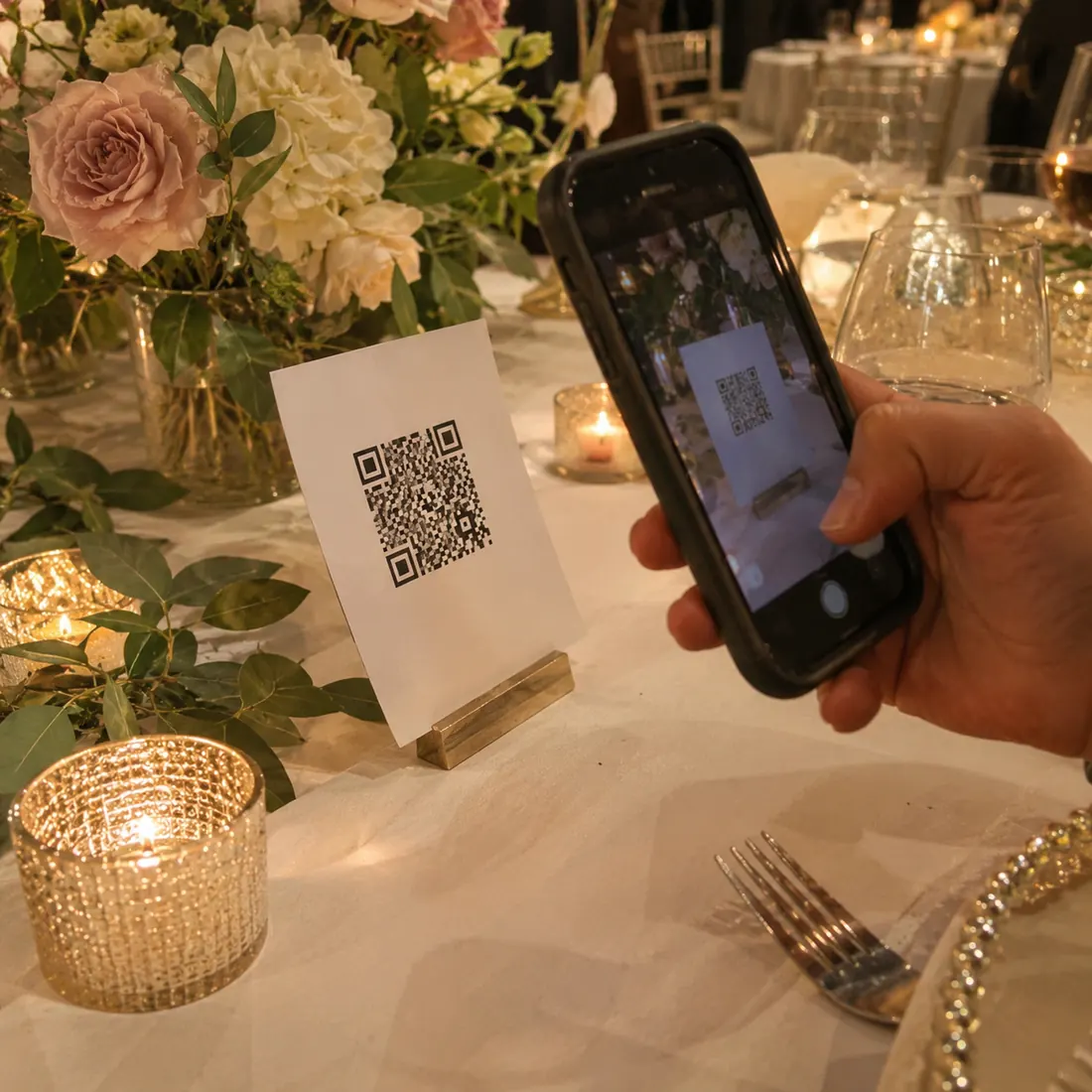
Guests scan a code and shoot straight into one shared place, with no app and no sign-up. Because the footage lands in one spot as it happens, you do not have to chase anyone. Our guide on setting up a QR code for wedding photos walks through the details.
6. Just ask, and give a deadline
A short message after the wedding asking guests to send their photos works better than nothing, especially if it includes a link and a date. Expect partial results.
Making a hashtag that people actually use
If you want a hashtag, keep it short, unique and easy to spell. A hashtag guests misspell is a hashtag you cannot search.
Getting guests to participate
Even a perfect system fails if guests do not know it exists. A simple three-touch plan works well:
- Before the day. Put the link or code on your wedding website and invitation suite.
- At arrival. Place a sign at the entrance and on each table.
- During the reception. Ask your MC to mention it once, early. Choose one friend who will nudge people.
Give guests a reason as well as an instruction. 'We want to see the day through your eyes' gets more action than 'upload photos here.' You can also suggest simple prompts, such as a toast, a dance move or a message to the couple, to turn a vague ask into a task. If you want ideas for the messages side, see our wedding guest book ideas.
After the wedding: sort, back up, share
Wedding Tapes handles the sorting part: about two hours after the camera closes, guest clips are edited into films, with a video guest book, and kept private and watermarked until you approve them. Whatever method you use, set a calendar reminder to collect clips while memories are fresh.
A note on privacy and consent
Most guests are happy to be filmed at a wedding, but some are not, and children raise extra questions. Add a line to your website or signs explaining that guests may be filmed and where the clips go. Give people an easy way to opt out. If your venue or religious setting has rules about filming, check them before you share a code.
Questions people ask
How do I collect photos from wedding guests?
Give guests one simple place to send them, such as a shared album or a QR code camera, and tell them about it before the wedding, at arrival and from the MC. The fewer steps, the more clips you will collect.
Is a wedding hashtag enough?
Rarely. It misses private accounts and stories, and guests often forget or misspell it. Use it as a bonus alongside a shared album or camera link.
When should I ask guests for their photos?
Ask in three places: before the wedding on your website, at the venue on signs, and after the wedding with a short thank-you message that includes the link and a deadline.
Do disposable cameras still work for weddings?
They can, if you enjoy the film look and are happy to wait for development. They only capture stills, results vary, and someone has to collect the cameras at the end of the night.
How do I make sure I get videos as well as photos?
Choose a method that accepts video, and say so on your signs. Prompts such as 'film a message for us' help. Test with a short clip before the day.
Sources
Related guides